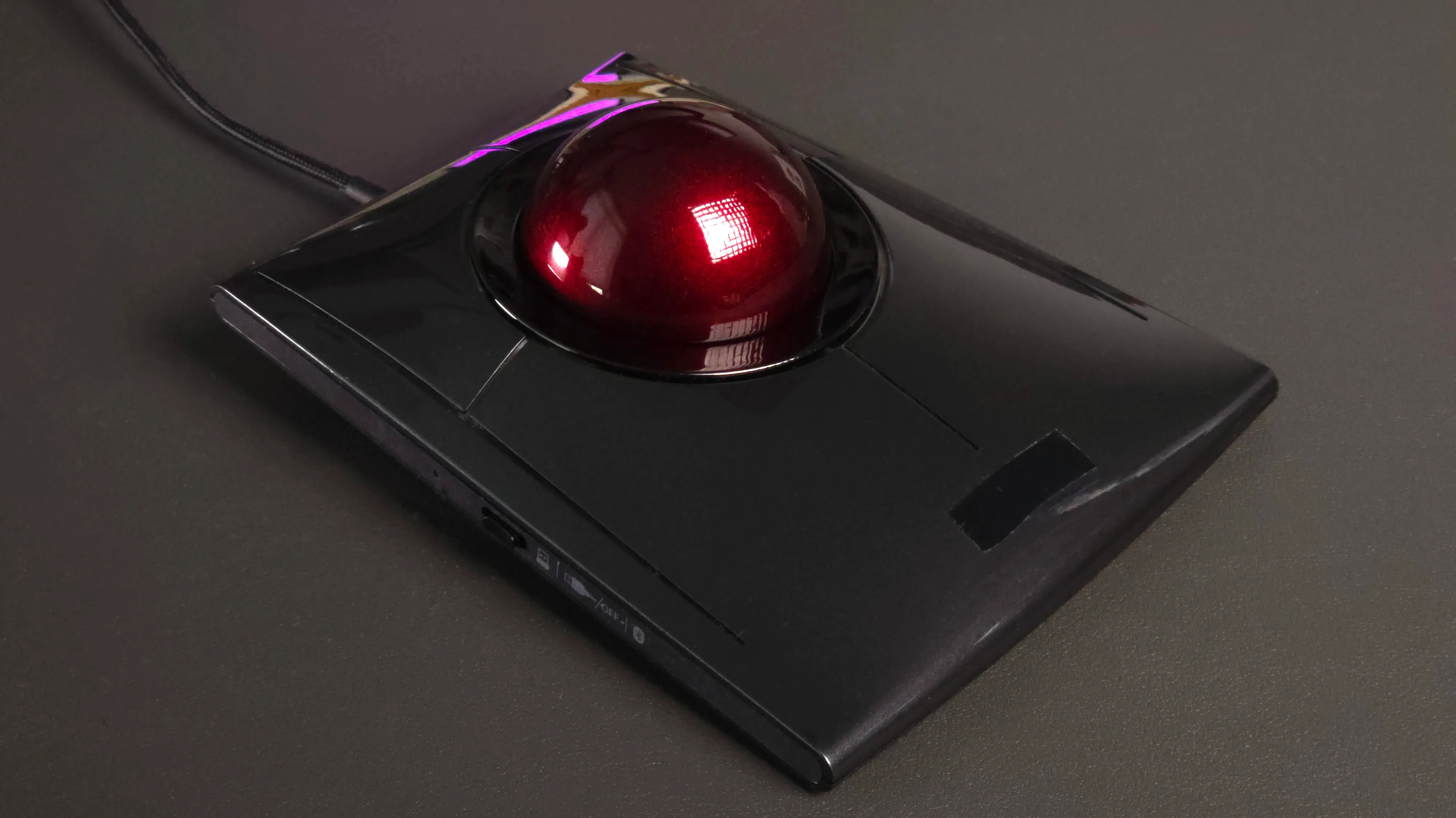
One device, not two
A SpaceMouse sits next to your mouse. That's two devices, two hand
positions, and one hand locked to a dedicated controller that does
nothing else. Rotatrix is your everyday pointing device with 3D
navigation unlocked — mouse, scroll wheel, and 3D control in one hand,
in one desk footprint. Your other hand stays on the keyboard for
shortcuts or to modify the trackball mode.
SpaceMouse — hands moving between devices
Rotatrix — one hand, one device
Snap-to-angle vs macro buttons
The SpaceMouse Pro and Enterprise add physical buttons for common
views — front, top, isometric. That works, but it's a fixed set of
presets that you trigger by lifting your hand off the puck.
Rotatrix takes a different approach: as you rotate, the software can
lock to straight-on, edge, and isometric views without having a bank
of dedicated buttons — just rotate to the vicinity of the desired view
and snap to it.
SpaceMouse — fixed preset buttons
Rotatrix — dynamic snap-to-angle
Comparison
| Rotatrix | SpaceMouse |
| Control model | Position — direct manipulation | Rate — push to steer |
| 3D navigation | Yes | Yes |
| Mouse pointer control | Yes | — |
| Scroll wheel and pan | Yes | — |
| Context-aware modes | Yes | — |
| Snap-to-angle | Dynamic — rotate to any view | Dedicated buttons, fixed presets |
| Keyboard access | Always — one hand on keyboard | Requires lifting off puck |
| Devices on desk | 1 | 2 |
Summary
If you need smooth simultaneous pan+zoom+orbit in a single gesture and
you've tuned your SpaceMouse to the point where crosstalk doesn't
bother you, SpaceMouse is still good at that specific thing.
If you want direct, intuitive 3D control that feels like physically
handling your model, with your mouse and 3D navigation in one device,
and you value clean intentional input over raw degrees of freedom —
that's what Rotatrix is built for.