Rotatrix — The precise 3D trackball for CAD and design

ROTATRIX ROTATRIX

The most precise and intuitive 3D navigation for CAD and 3D design.

Your models move in 3D, but your mouse doesn't.

Rotate the ball. Rotate the model.

Works with

FusionBlender4.2+OnshapeFreeCAD1.0+

on Windows 10+, macOS 15+, and Linux.

Need something else? Sign up and tell me what you use to help prioritize what's next.

With a mouse, rolling is always indirect — a gizmo click, an edge grab, or wiggling the view into place.

With Rotatrix, just grab the ball and turn it in any direction. The model follows.

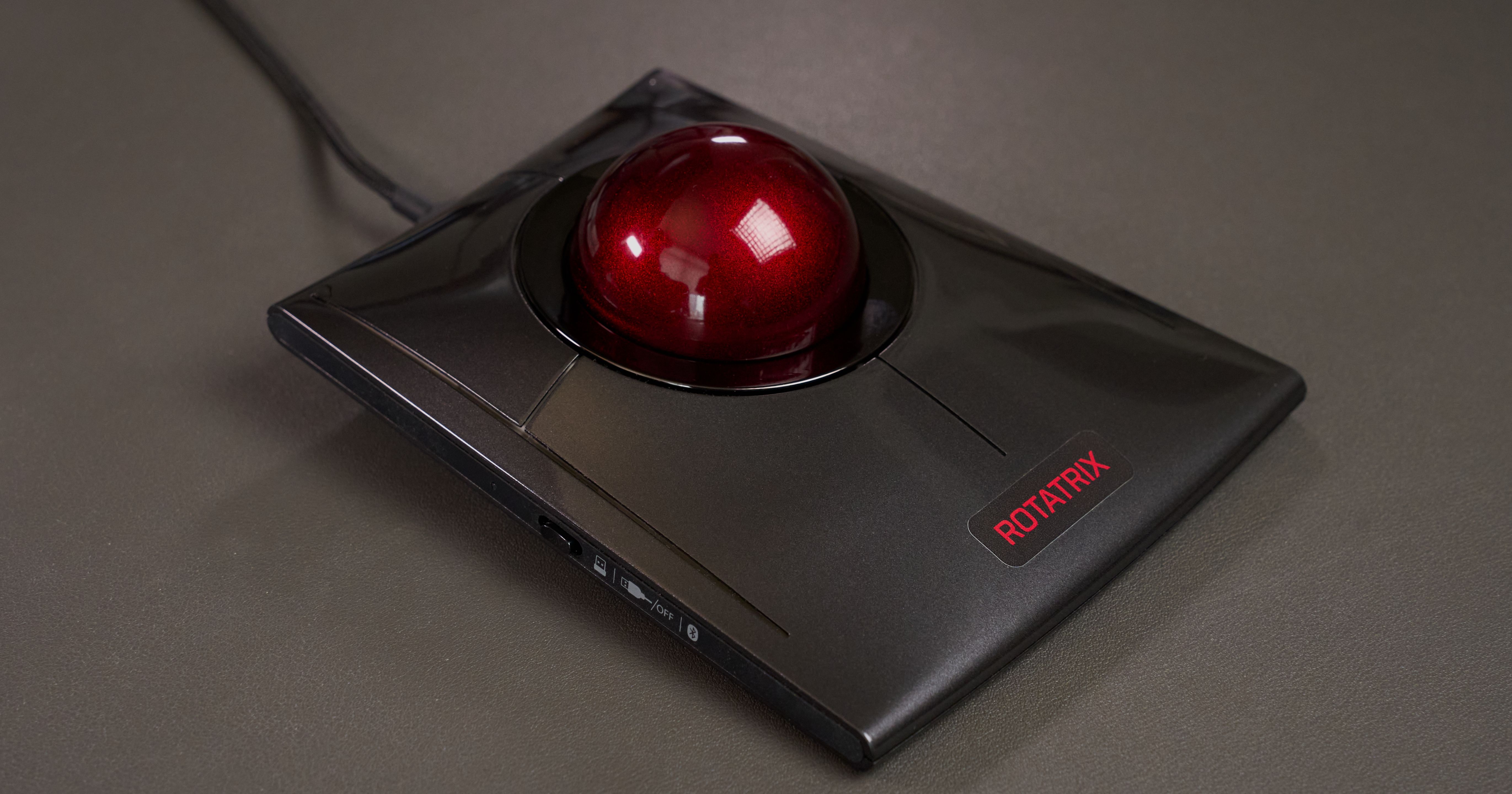
Rotatrix is the only trackball that tracks full 3D rotation.

It's built on the Kensington SlimBlade Pro, with custom hardware added to track all three axes continuously and simultaneously.

It's your everyday trackball for pointing and scrolling — but in 3D apps, the same ball gives you direct control of rotation, translation, and camera navigation.

One device for full 3D navigation.

Pan and zoom

Not just rotation — twist for smooth, continuous zoom with no scroll wheel steps. It feels like pushing and pulling the model in depth.

Snap to angle

Snap to any aligned view — faces, edges, corners — with a single button. One control replaces dozens of keyboard shortcuts.

Switch modes seamlessly

Hold a button or key to switch between rotation, pan, zoom, and mouse — no stopping, no reaching for another device.

Navigate

Fine-tune your camera position or fly through larger spaces with ease. Roll to move, twist to turn — like walking through your scene.

Customize

Make it fit your workflow exactly. Every mapping, binding, and behavior is configurable — per application, per mode.

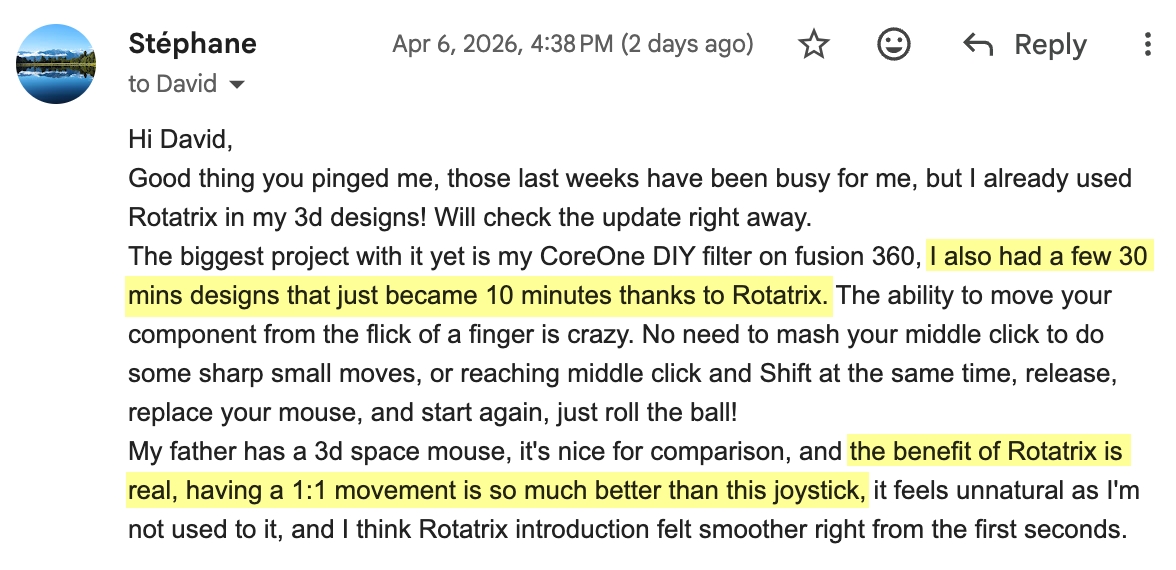
Lukesky1313: Holy hell this thing is intuitive to use. It's exactly what I thought this product was going to do 4AM247: Love it! Great work on this thing David. The one-to-one orbit makes it so intuitive.
Stephane: I think Rotatrix introduction felt smoother right from the first seconds.

This is what 3D navigation should feel like.

More precise and intuitive than SpaceMouse — see the side-by-side

We don't use a joystick to control our mouse pointer. So why use one for 3D?

SpaceMouse is a miniature joystick — 1.5mm of deflection and 6° of twist.

SpaceMouse — rate control. You have to time your inputs based on what's on screen — it doesn't feel as direct.

Rotatrix — position control. You can flick the ball a known amount without even looking — your hand knows how far the model moved.

Shown in real time, not sped up.

SpaceMouse takes a hand off your keyboard. Rotatrix gives it back.

SpaceMouse — one hand on the puck means you lose access to keyboard shortcuts while navigating.

Rotatrix — hold a key or button to switch between mouse and 3D navigation. Your other hand stays on the keyboard.

SpaceMouse gives you a fixed set of view buttons. Rotatrix lets you snap to any axis-aligned view.

SpaceMouse — fixed preset buttons

Rotatrix — snap to any face, edge, or corner view

SpaceMouse has a well-known learning curve — weeks of practice before it feels natural.

Rotatrix feels intuitive immediately. You already know how to roll a ball.

Summary

Rotatrix SpaceMouse
Control model Position — direct manipulation Rate — push to steer
Input travel Continuous rotation in all axes 1.5mm / 6° in each direction
3D navigation Yes Yes
Mouse pointer control Native — primary input Impractical
Scroll and pan Yes — multiple modes Impractical
Context-aware modes Dynamic — axes change per mode Per-app profiles, fixed axes
Keyboard access Yes — continuous Requires hand movement
Snap-to-view Dynamic — rotate to any aligned view Button per fixed preset view
Price US$249 $179–$399

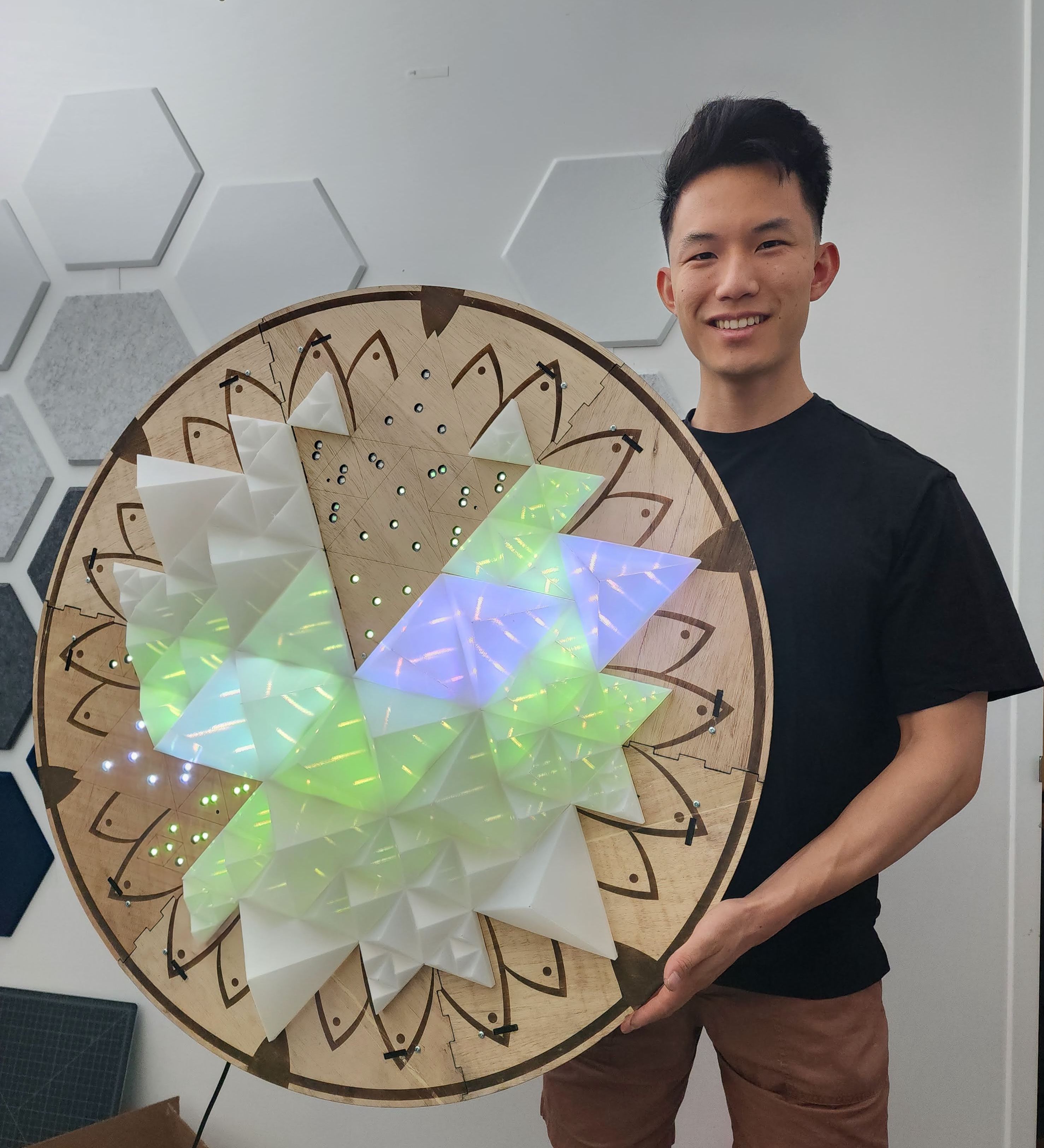
I'm David Liu, a software engineer based in Brooklyn. I spent over a decade at Pinterest, most recently as a Senior Engineering Director leading the ML Platform team. I've also been doing CAD, 3D printing, and hardware projects for as long — always drawn to the intersection of software and physical things.

Rotatrix started as a weekend experiment. I had switched to a trackball for ergonomics and got curious if it could do more than just point and scroll. I figured out how to capture the ball's full orientation with custom hardware and firmware, and tried it for CAD navigation. It felt so immediately natural that I kept building. Out of many experiments, this became the one I couldn't put down, so I formed Icebound Flame LLC and made it my full-time focus.

David Liu with an LED art installation
David with an LED art installation project
Rotatrix 3D trackball

Rotatrix is produced in small batches on demand — no crowdfunding needed. The software runs locally with no subscription. The integration protocol is openly shared so third-party developers can build their own app support. One-year warranty included. Full details at rotatrix.com/terms.

Feel what direct 3D control is like.

Works with Fusion, Blender, Onshape, and FreeCAD on Windows 10+, macOS 15+, and Linux.

Need something else? Sign up and tell me what you use to help prioritize.

Questions? david@rotatrix.com

Is this a new product?

Rotatrix launched in March 2026 — that's why there isn't much information about it online yet. Each unit is built to order from new components. Testimonials on this page are from real early adopters. Software is in active full-time development, with new integrations and features shipping regularly based on user feedback.

Can I trust a one-person company with my money?

Payment is handled through Stripe with standard buyer protections. No crowdfunding needed — I buy components on demand and test every unit personally. One-year warranty included.

What if it doesn't work for me?

If you run into a compatibility issue we can't resolve together, or if the device is defective, contact me at david@rotatrix.com for a replacement or refund. Every unit is tested before it ships and includes a one-year warranty. Payment is handled through Stripe with standard buyer protections.

What's your relationship with Kensington?

None. I purchase every SlimBlade Pro at retail and have no affiliation with Kensington. Rotatrix is an independent aftermarket modification of a retail product. The modification voids Kensington's original warranty, so Rotatrix includes its own one-year warranty covering the full device. Full details are at rotatrix.com/terms.

Can I use Rotatrix with an off-the-shelf trackball?

Unfortunately, no — deriving 3D rotation requires two optical sensors at different points on the ball. The Kensington SlimBlade Pro is one of the few trackballs with this dual-sensor design, but its stock controller doesn't expose the raw data needed for full 3D reconstruction. Rotatrix adds a custom controller that reads both sensors directly and computes continuous 3D orientation.

Currently Rotatrix is only available as fully assembled and tested units.

Will the software be open source?

The host application and official integrations are closed source — that's what makes it sustainable to develop full-time over the long term. However, I'm building the system around an openly shared protocol that third-party developers can use to build their own integrations using the same APIs I use for official ones. The goal is a healthy ecosystem, not a walled garden.

What if my tool isn't supported yet?

Sign up below with your tool — I'm prioritizing new integrations based on demand. The system is built around an open output protocol, so developers can also build their own integrations.

Which operating systems are supported?

Windows 10+ (x64), macOS 15+ (both Intel and Apple Silicon), and Linux (x86_64).

Linux ships as a portable AppImage and runs on any distribution with glibc 2.28 or newer — including Ubuntu 20.04+, Debian 11+, Fedora 32+, and RHEL/Rocky/Alma 8+.

Do you ship internationally?

Yes — I ship worldwide. International orders may be subject to customs duties and brokerage fees, which are the buyer's responsibility. International economy shipping arrives in 1–4 weeks depending on destination. Need faster shipping? If International Expedited isn't listed for your country, contact me at david@rotatrix.com for a quote.